
Movies and TV
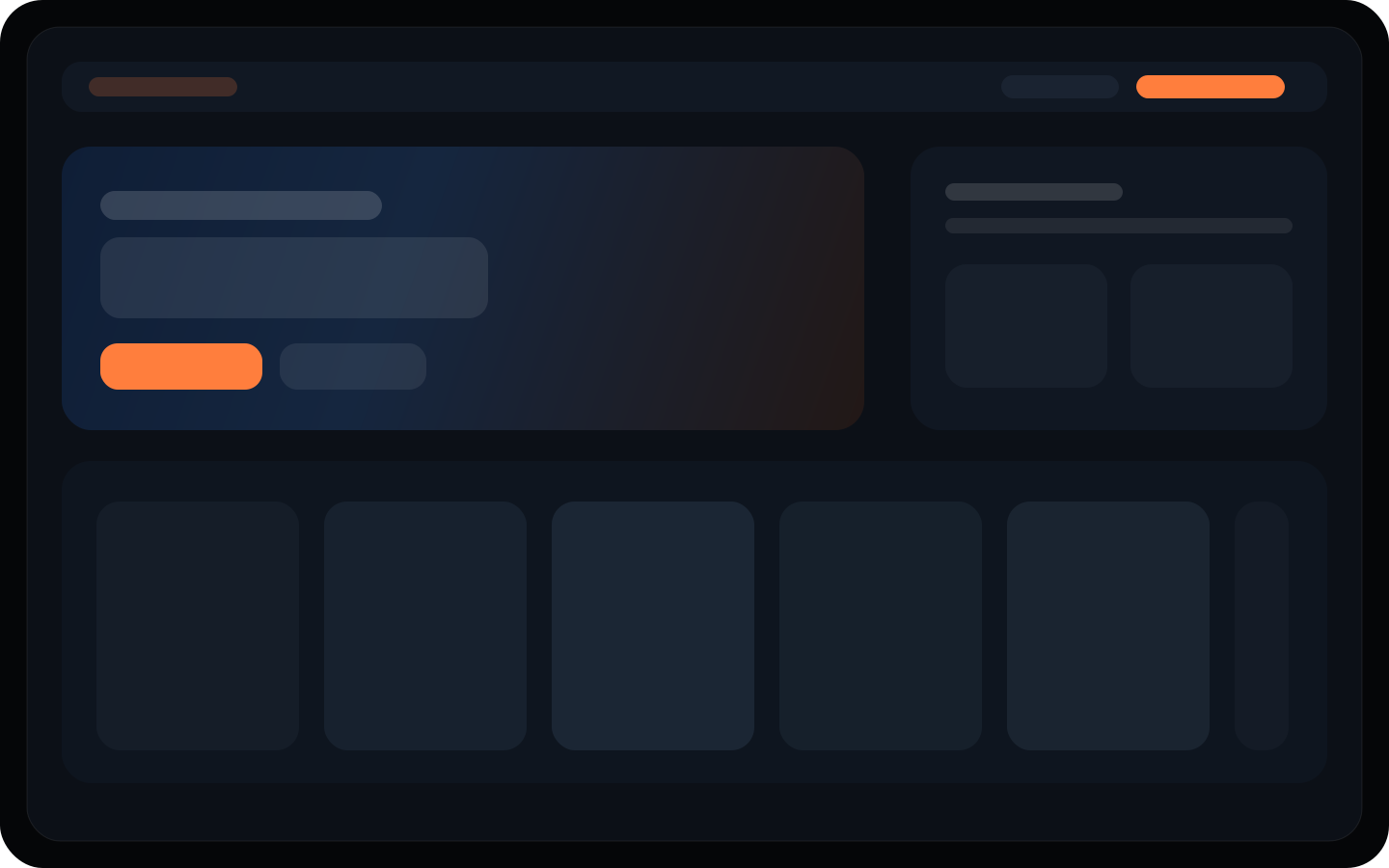
Poster-led discovery, clear progress, and fast return paths that do not feel like admin software.
OmniLux
OmniLux brings movies, shows, music, books, games, and live TV into one self-hosted runtime, then layers cloud identity, billing, and household-friendly access on top where it actually helps.
Local playback stays self-hosted. Personal, Duo, and Family plans add cloud-connected extras when you want them.
One calm interface
Discovery, playback, and household control all speak the same visual language.
Self-hosted at the core
Your runtime stays under your control while cloud services layer on top where they help.
Built for households
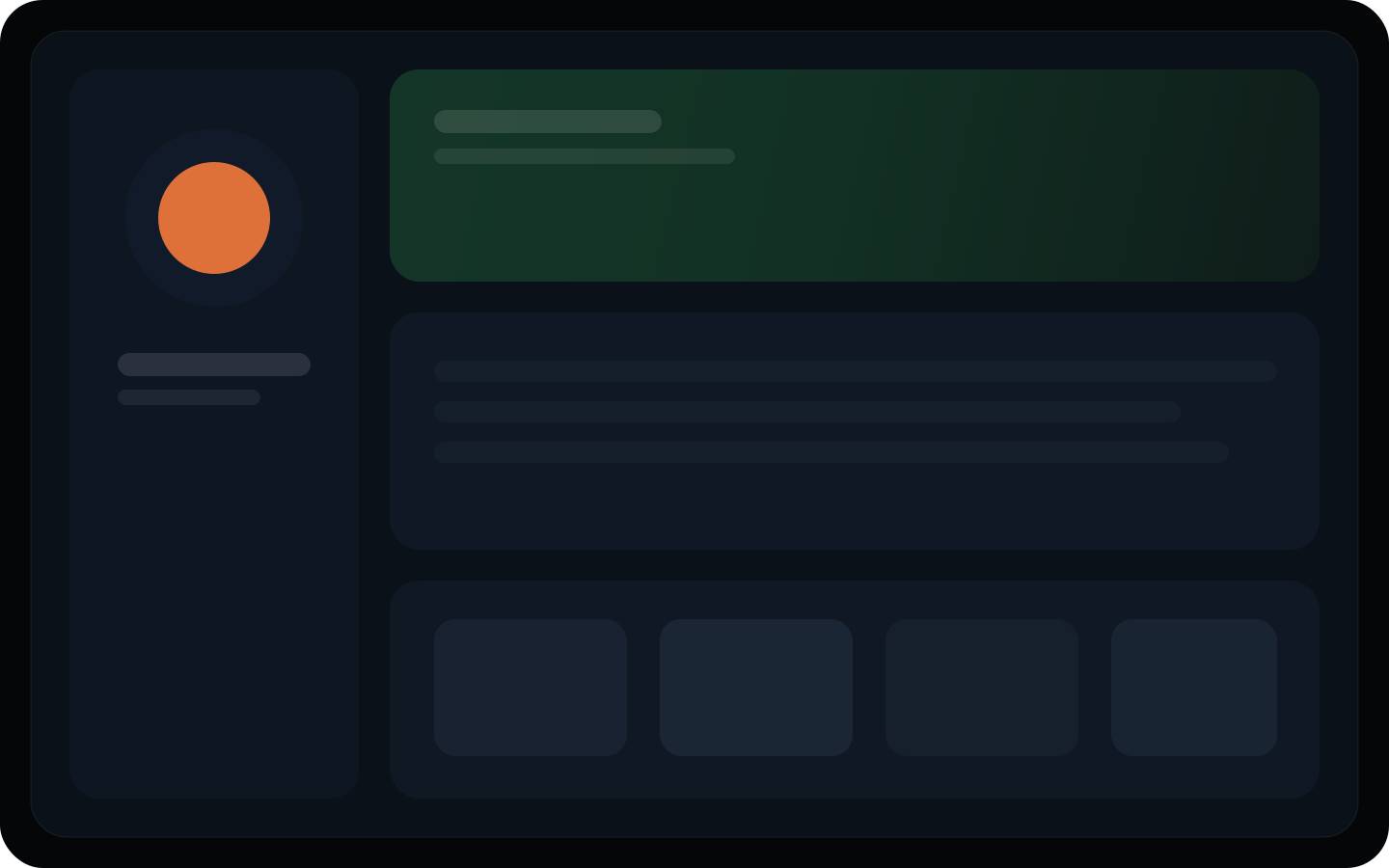
Profiles, continuity, and linked-server access are treated like product fundamentals.
Discover
One shelf language for every part of the library.
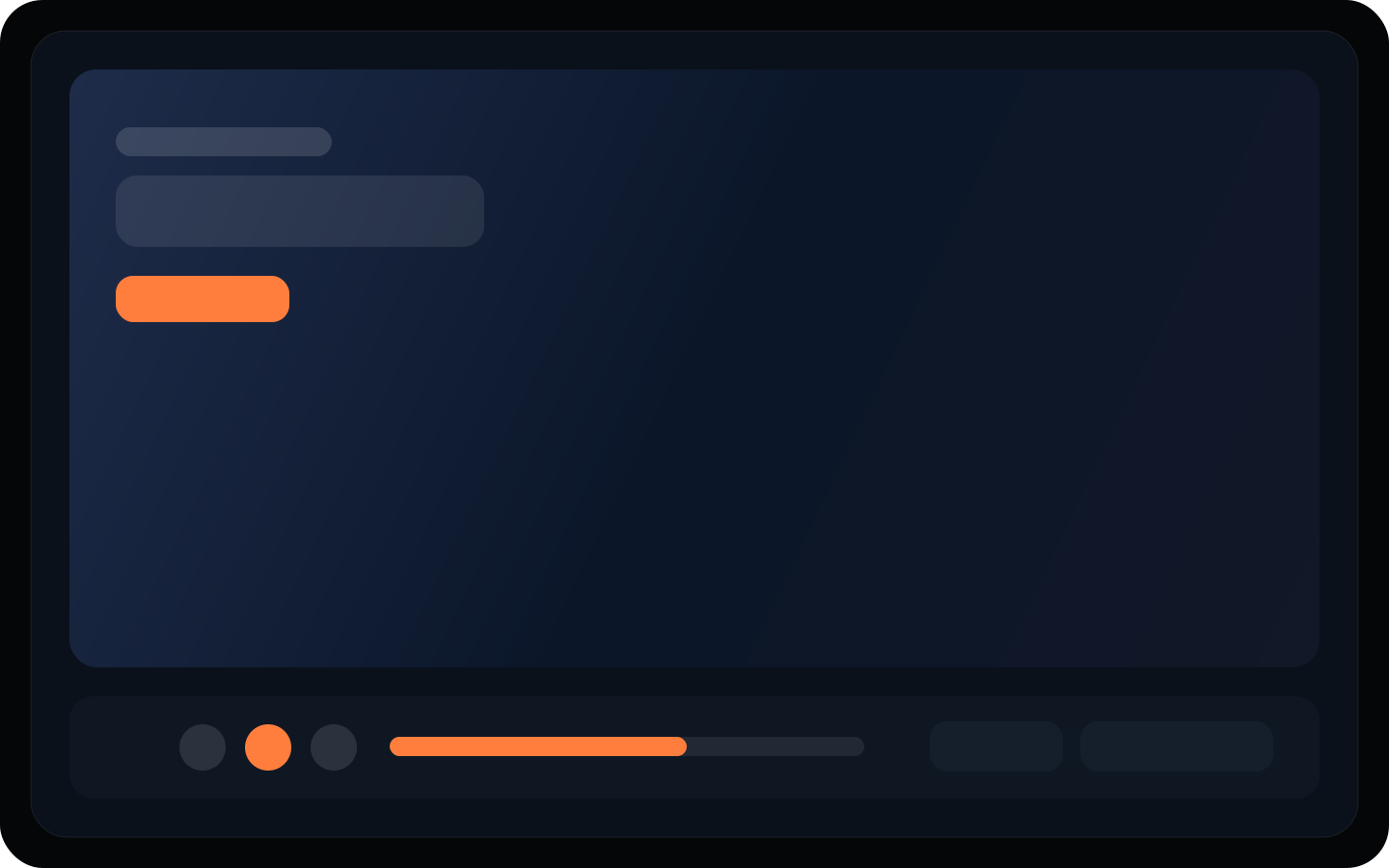
Continue
Resume playback and handoff without losing context.
Why OmniLux
Plex does this well: crisp promise, clear product lanes, and visuals that prove the story. OmniLux should do the same for self-hosting, cloud access, and the developer ecosystem.
Poster-led discovery, clear progress, and fast return paths that do not feel like admin software.
Adjacent media types inherit the same hierarchy instead of turning into separate mini apps.
Guide and channel surfaces stay legible because they reuse the same product system.
Cloud-connected identity helps with invites, billing, and continuity without replacing the runtime.
Run your server
The server is the product center of gravity. That is why the download path needs to feel like a real product page instead of a rough internal note.
Bring in the cloud
The cloud app handles the parts that should live on the internet: accounts, billing, linked servers, invites, and operator-friendly access surfaces.
Extend the platform
The SDK, docs, and marketplace story need to feel continuous with the rest of the site. That is part of what makes Plex’s marketing work, and OmniLux should borrow that discipline.
The ecosystem
That applies to the runtime, the hosted app, docs, and the SDK. It also applies to the marketing site.
Playback surfaces built to look intentional on the biggest screen in the house.
Queue, discovery, and remote-friendly actions that still feel native to the same system.
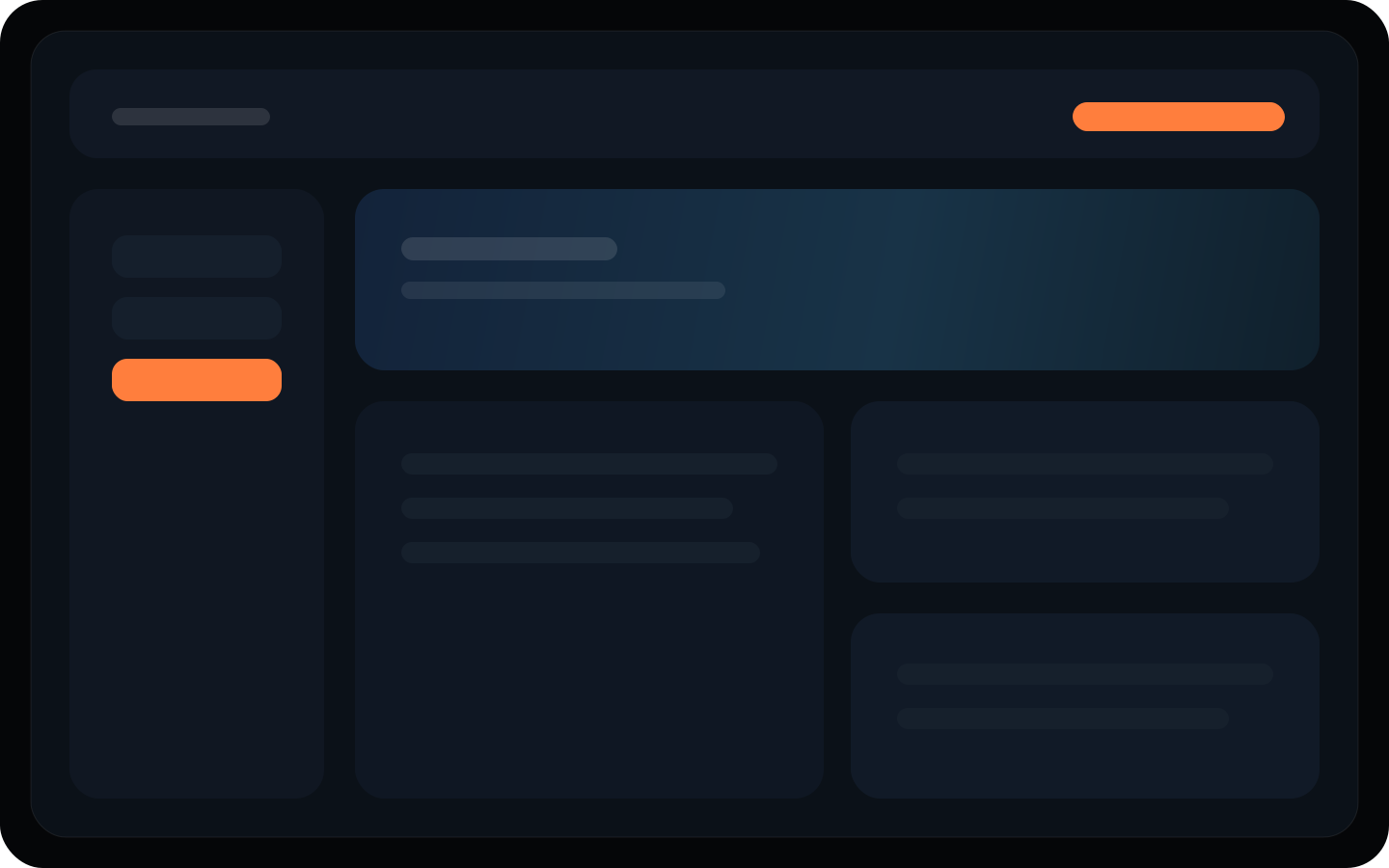
Billing, invites, and linked-server management live in a dedicated hosted surface.
Extensions and ecosystem work look like part of the platform, not a bolt-on.
Future-facing media surfaces inherit the same interface discipline.
Documentation stays close to product decisions instead of hiding in a separate universe.
Cookie notice
OmniLux uses cookies and similar browser storage to keep you signed in, protect account and checkout flows, remember preferences, and operate core site features. Learn more in the Privacy Policy.