Skip to content

Features

The product should feel desirable before it feels explained.

OmniLux should use bold visual anchors, short benefit rails, and clear product stories so discovery, playback, and household access all feel part of one premium experience.

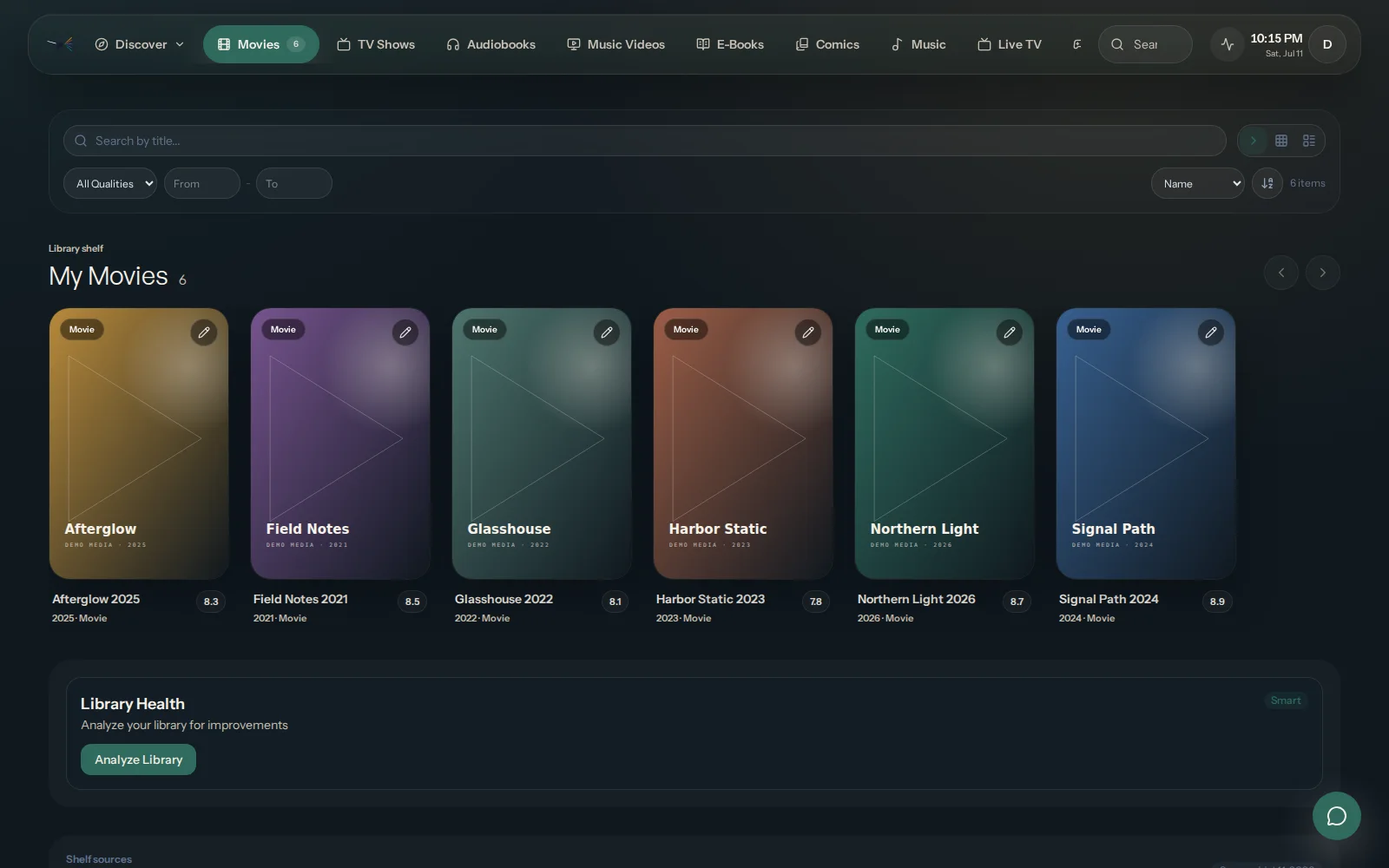
OmniLux discovery view

Discover

One calm interface for every shelf.

Household

Profiles and continuity without visual drift.

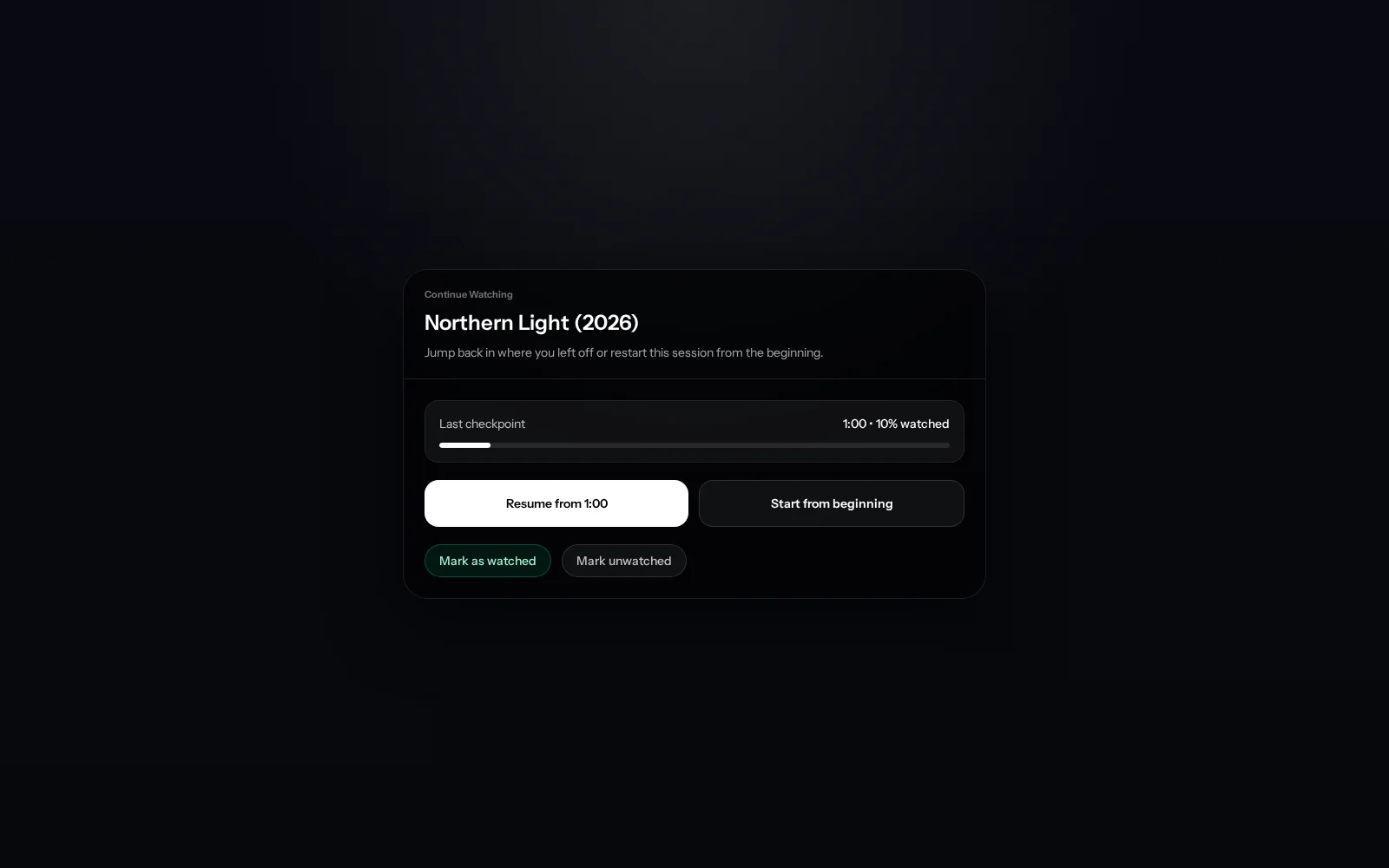
OmniLux playback surface
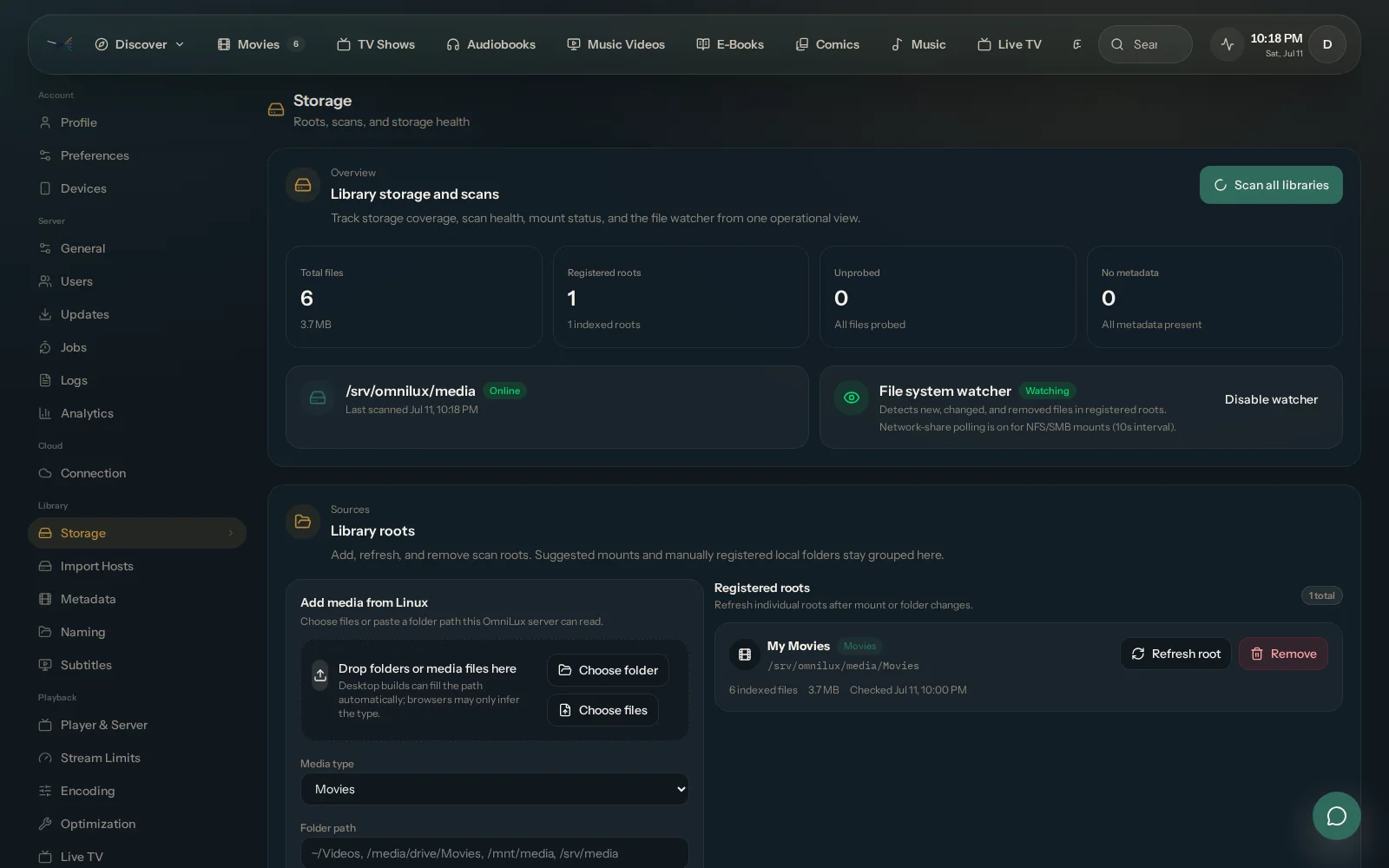
OmniLux cloud dashboard

Highlights

The product needs a few clear promises, not a hundred equal-weight cards.

Unified browsing

Movies, shows, music, books, games, and live TV all sit inside the same discovery rhythm.

Playback that feels finished

OmniLux pushes playback, progress, and quick actions into the same interface language as discovery.

Household-aware

Accounts, continuity, and room-to-room usage are designed in from the start instead of bolted on later.

Continuity where it matters

Access, identity, and household continuity extend the experience without breaking the feeling of ownership.

An ecosystem, not a dead end

OmniLux is being designed to grow gracefully, without making the core product feel crowded or chaotic.

OmniLux discovery view
Poster-led rails and title actions keep the whole library legible
Shared watch-state and queue language reduces context switching
Search, discovery, and return paths feel consistent across media types

Discover

Everything should browse like part of one product.

OmniLux should let the interface prove the value: one clear idea per section, one strong visual anchor, and just enough copy to make the promise feel real.

  • Poster-led rails and title actions keep the whole library legible
  • Shared watch-state and queue language reduces context switching
  • Search, discovery, and return paths feel consistent across media types
OmniLux live TV guide
Content-first playback keeps the title, progress, and next actions close
Live TV guide and channel surfaces reuse the same visual system
Operational depth can exist without turning the whole product into admin chrome

Playback

Playback, live TV, and control surfaces need the same polish.

Playback and live control are where a media product either feels premium or collapses into utility software. OmniLux is aiming for the first outcome, with calmer screens and stronger visual confidence.

  • Content-first playback keeps the title, progress, and next actions close
  • Live TV guide and channel surfaces reuse the same visual system
  • Operational depth can exist without turning the whole product into admin chrome
OmniLux cloud dashboard
Linked servers, billing, and invites live in the hosted app where they belong
Notifications and account continuity extend the runtime without replacing it
Households understand what they get without reading a technical diagram

Household

Accounts, cloud access, and operator tooling belong in the same system.

A feature page should not read like fiction. OmniLux has to explain what the experience gives people: continuity across rooms, simple access, and a product that still feels coherent as it expands.

  • Linked servers, billing, and invites live in the hosted app where they belong
  • Notifications and account continuity extend the runtime without replacing it
  • Households understand what they get without reading a technical diagram
OmniLux music interface
The ecosystem can expand without diluting the brand
Trust and curation stay visible as new surfaces arrive
The ecosystem can grow without drifting away from the main interface standard

Platform

The SDK and ecosystem should feel like a continuation of the product.

The best ecosystem stories still feel like product stories. OmniLux should make growth feel intentional, curated, and aligned with the same visual standard as the main experience.

  • The ecosystem can expand without diluting the brand
  • Trust and curation stay visible as new surfaces arrive
  • The ecosystem can grow without drifting away from the main interface standard

One system

OmniLux works best when every surface feels like it came from the same product team.

That is the core layout lesson from Plex: let the interface do the talking, keep the sections large and intentional, and make every page feel like part of one ecosystem.

Movies, TV, and live

The runtime keeps high-frequency media surfaces calm, fast, and visually related.

Music and books

Adjacent media types inherit the same hierarchy instead of starting from zero.

Games and extras

Future-facing surfaces still need to feel native to the same product system.

Trust and control

Cloud features, local hosting, and plugins stay legible because the product boundary is explicit.

Notifications

Companion touchpoints extend the household experience without becoming noise.

Guides and ecosystem

The public site hands curious users into deeper guides and ecosystem paths cleanly.

Cookie notice

OmniLux uses browser storage for sign-in, checkout safety, preferences, and core site features. See the Privacy Policy.

Review